Running interval apps: choosing a pacer for speed work
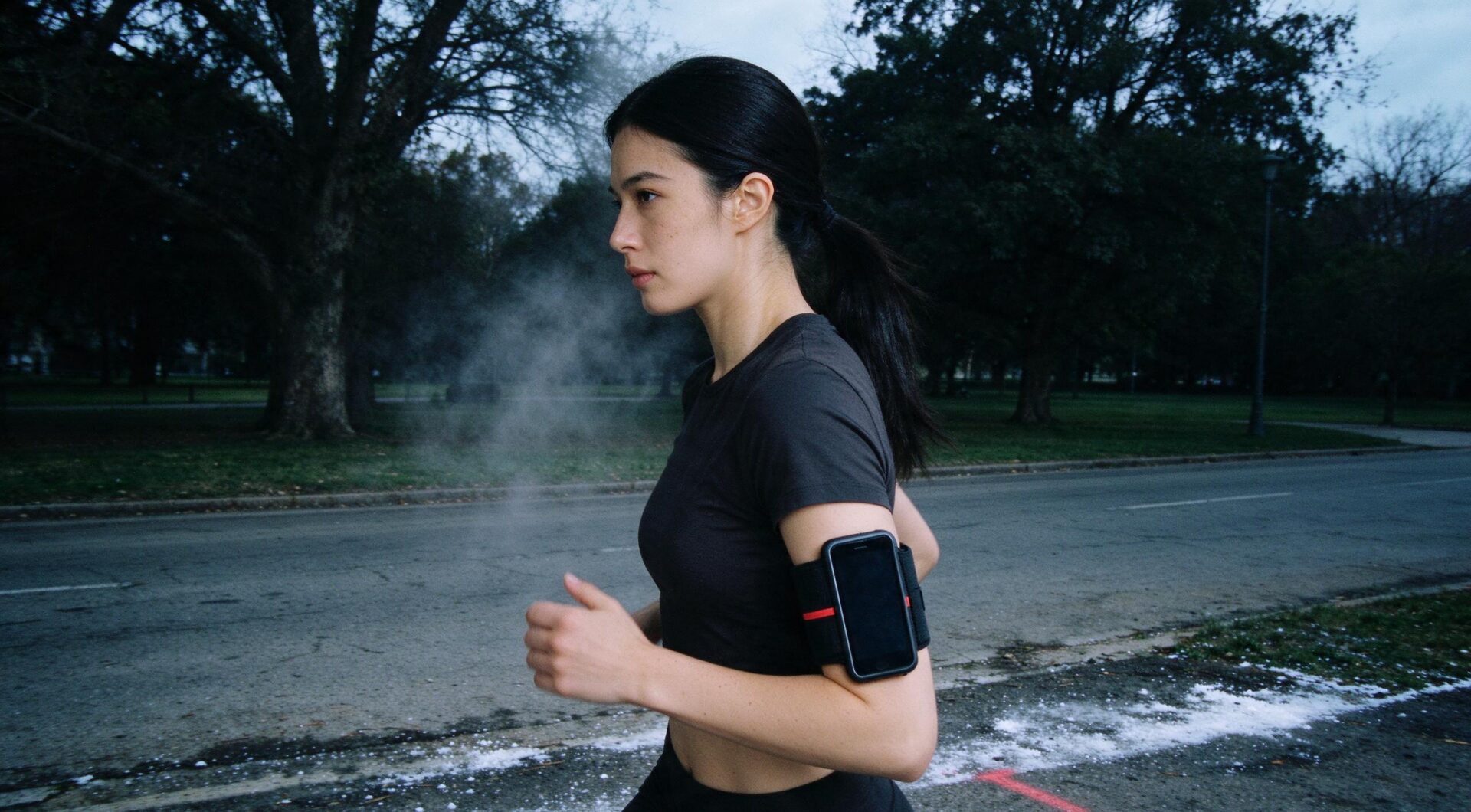
Six three-minute reps with ninety seconds of easy jogging between them: inside that one block, the session turns over eleven times — six times from work into rest, five from rest back into work. All eleven land while you are moving, at speed, into whatever wind and traffic the evening supplies, with the phone zipped in a pocket or riding an armband. Standing still, the arithmetic is trivial; mid-rep, everything the app has to say reaches you by ear.
An interval timer with big digits and tidy menus can still be useless on the road if its cues lose the argument with your playlist. So it pays to choose backwards from the session: what speed work asks of a pacer, and how to tell the candidates apart in one run. The structures themselves — time against distance, rep lengths, how the recoveries scale — belong to the speed-work guide. The pacer is the subject here.
Numbers a coach actually writes
Coaches write unrounded numbers: three-minute reps over ninety-second recoveries, forty-five seconds on with fifteen off for fartlek grain, a two-minute block at 5K pace with three full minutes back. None of that matches a menu of canned templates, so the app has to take typed values in whole seconds and find a 3:00 rep as unremarkable as a 20/10. The numbers also span the whole evening: easy minutes first, the rep block in the middle, a cool-down at the end that plays out in full. An app built around a single work/rest pair times the middle and leaves the edges to guesswork. Running drops its own values into the anatomy — prepare, work, rest, rounds — that the general guide maps for every interval sport.
Cues over everything
In a pocket, a cue still has to arrive: loud over your playlist, clear against traffic and the wind noise of a fast rep, on a volume of its own so one loud song cannot bury the minute call. Ducking, the beat dipping while a cue speaks, is a nice extra; the requirement is a cue channel independent of the music.
Running leans harder on the voice than any gym workout does. A mumbled cue ends a rep early or late, and a count-in that clips its last syllable starts the next rep ragged. By the fifth rep, counting has migrated from your head to your legs, and hearing which rep comes next matters more than remembering it. What a cue should say, and how it should sound, was written for quieter rooms.
Once the screen goes dark
Mid-run, the screen works against you: sweat, gloves, a fold of jacket fabric pausing the session with a ghost tap. So the honest test of a running pacer comes before the warm-up ends, when the phone goes dark and stays dark — counting has to continue with the screen locked, Do Not Disturb on, battery optimization doing its worst, because nothing out there keeps a display lit.
One interruption is the incoming call that lands mid-block: the session should pause, hold its place, and afterwards report exactly where it stopped (2:14 into round three) and resume from there. The other is company: a run tracker and a music app are already running, all three sharing one phone’s clock and audio, and a timer that cannot hold its own among them fails on the first tracked run.
The wrist question
Most runners already wear a GPS watch, most of those watches have an interval mode, and it is fair to ask why carry a second device. For one fixed shape — eight rounds of a minute on, a minute off — the wrist genuinely holds its own. The friction lives around the fixed shape: building warm-up, rep block and cool-down as one chain on a watch takes longer than the session it produces, wrist speakers lose to road noise at effort, and a vibration every minute eats the same battery the GPS already wants. Often as not the fallback is the plain stopwatch, which times the run without pacing any of it. Where wrist timing falls apart takes the question in full; in practice, the watch records the distance and the phone calls the session.
What the class gets wrong at 5K pace
Timer apps fail in patterns, and the field guide to the class maps them with the names left out. Three of the patterns bite hardest at speed. The worst-timed paywall appears mid-session, two kilometers from home, with the choice reduced to abandoning the rep block or fumbling a purchase at effort. Audio takeover is another: the playlist dies as the warm-up starts and stays dead until you stop and restart it. And a free tier limited to a single saved timer caps the saved program, the part of the app a weekly runner reuses most. The counting was never what anyone was paying for.
A one-run audition
Program the evening before, while the numbers still belong to the coach — every block typed in whole seconds, named. Start it, pocket the phone, go.
Four checks, roughly in the order they fail. Listen first: the cues should be audible at pace, at your real running volume, with the music still worth having on. Then the count — a full session on a locked screen, tracker and player both running, nothing reset at the end. Let a call land on the third rep and see whether the app reports where it stopped and carries on from there. And before next week, when the plan moves from six reps to eight, time the edit: it should take about a minute at the table. An app that clears all four has done the running-specific part of its job. Price is the last question, and the good answer is dull: a number on the store page, paid once.
Intertakt against the four checks
Sessions are built from typed whole-second lengths and saved by name; the counting core — unlimited sessions, the stock presets, no ads — is free, with three custom plans on the free tier. The voice comes in English, Russian or Spanish and calls the phases and the rep, with voice, beep and music volumes on separate sliders and ducking on a switch. Counting survives a screen that has been dark since the warm-up, and an interrupted session resumes from the spot it reports. Premium lifts the custom-plan cap and adds session history plus export and import as files, for a single $3.99 payment in Google Play.
Intertakt is out on Google Play. If you want one email when the iOS version lands, leave your address on the waitlist.
FAQ
Will an interval timer interfere with Strava or Spotify on a run?
It should not. A timer built for training lets the tracker keep logging and the music keep playing while the cues ride over both. Watch for two failure modes: a playlist that ducks or dies the moment the timer speaks, and a count that resets once the tracker starts. Either one tells you the app expects a quiet phone.
How do I keep a timer counting with the screen off while running?
This is setup work, and it only has to happen once. In the app, start the session before locking the screen and switch on a lock mode if there is one, so pocket fabric cannot pause anything. In the phone's settings, exempt the app from battery optimization (Android's doze can suspend background counting) and put the phone on Do Not Disturb so a notification cannot grab the audio mid-rep. Every run afterwards inherits the setup.
Can my GPS watch replace a running timer app?
For a single repeated shape, say ten rounds of 30/30, yes, and one device beats carrying two. Beyond one shape the watch drifts out of the job: building multi-block sessions through a watch interface is slow, weekly plan changes are slower, and a wrist speaker is easy to miss at pace.
Should a running interval timer be free?
Mostly it already is: basic counting costs nothing almost everywhere in this class. Apps differ in what sits around the counting — how many plans a free tier saves, whether history and export cost extra, where the wall first shows itself. One-time purchases sit alongside subscriptions here, and the difference between them shows up in the second year.
Run the splits. The phone stays in your pocket.
Beeps and voice call every run/walk switch and each rep at pace, over your music, with the screen off. Unlimited sessions on the free tier.
Get it onGoogle PlayOn an iPhone? Leave an email and get one message when the iOS app ships.
One email only. Unsubscribe in one click.