Your phone's clock has timers. So why an interval timer?
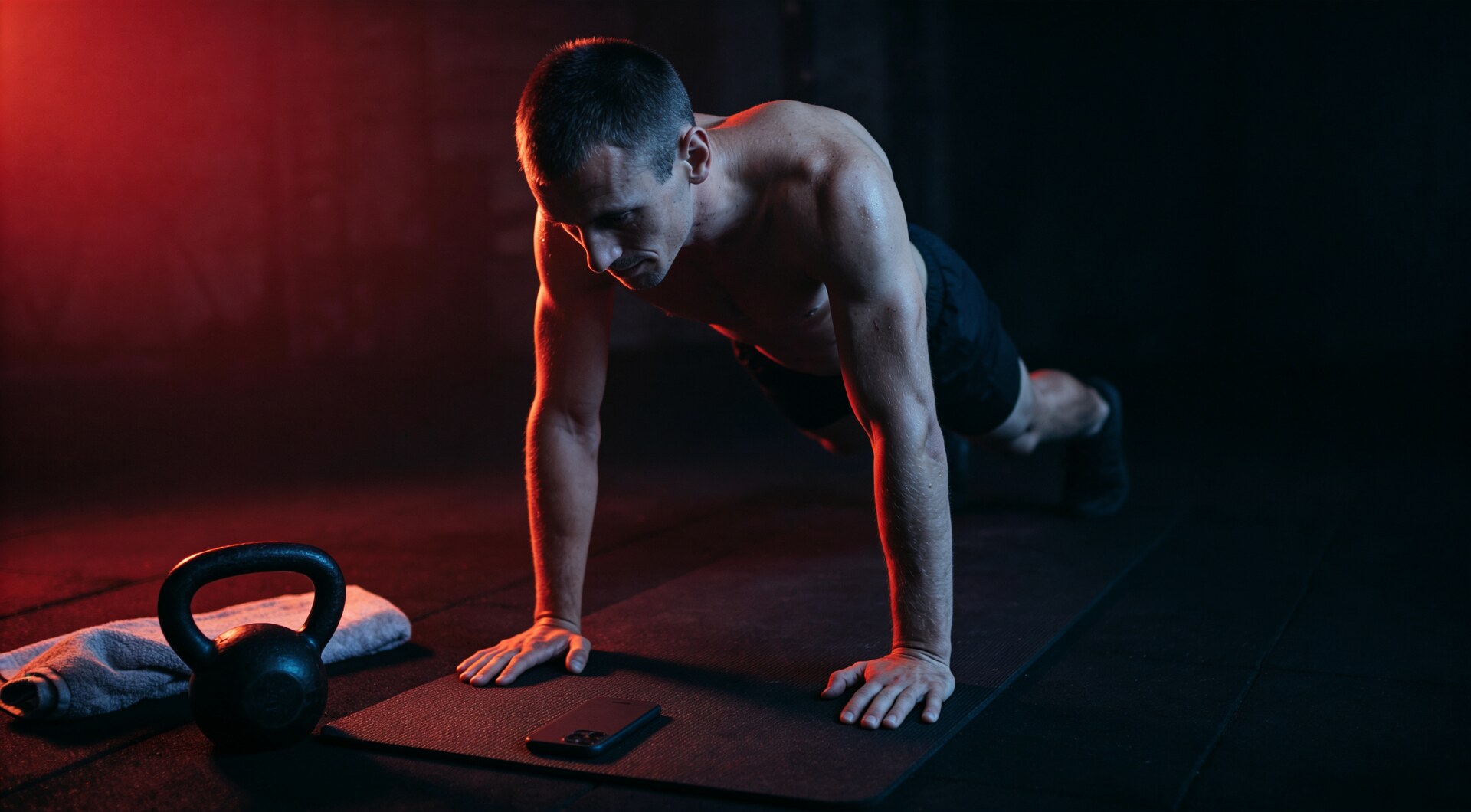
Run one unmodified Tabata on the clock app your phone shipped with, and count what it asks of you. Eight work intervals of twenty seconds, eight rests of ten: sixteen separate countdowns, each one set by hand as the previous one ends, by the person who is currently doing burpees. Miss a tap and the session stops holding its shape.
None of that is the clock app’s fault. A single countdown is what it is for, and no feature count would change the arithmetic above: the tool is one number deep, and a Tabata is sixteen numbers deep, with an order. Which is the whole answer to “why an interval timer when the phone already has timers”: the two tools count different things.
What the clock app is for
Plenty of training runs on one number: a plank hold, the 90 seconds between heavy sets, a rest capped so it does not sprawl into five minutes of phone-checking. For any of those, the built-in clock is the right tool, and nothing here will talk you out of it. It is already installed, it already knows how to count down, and on some phones a single duration can repeat on a loop, which covers the steak that needs flipping twice. A watch asks the same question from the wrist, and its answer runs through sync, legibility and battery.
The unit of interval training is a structure
A session is not one number. It is several numbers with an order and a count: a prepare countdown, a work length, a rest length, a number of rounds, sometimes a second block with different numbers stacked after the first, which is where the complete guide to interval timing begins. Tabata is 8 rounds of 20/10; boxing is rounds of 3:00 with 0:30 between them; an EMOM puts a fresh mark every minute on the minute, and what those protocol words mean is a solved question. The timer’s job is to hold whichever one you name, and every whole-second variant of it, including the odd ones like 35/25 that real plans are full of.
Hand that structure to a clock app and it will hold exactly one piece at a time. The other pieces become your job, distributed across the workout: start the rest, watch for its end, start the work, keep count of which round this is. None of those jobs are hard. All of them land at the moment you have air for none of them, which is why the round you lose track of is a whole separate problem that glanceable timers exist to solve.
The clock app is one number deep; a session is a structure deep.
The make-or-break: from opening the app to starting the workout
There is a shorter way to say all of this, and a forum thread found it. In the autumn of 2026, on an Android apps forum, someone asked for almost nothing: “I need a simple timer app with presets. That’s it. Samsung’s way of displaying the presets is just not intuitive.” No intervals, no sport: a kitchen-and-laundry timer with saved durations. The thread’s conclusion fits timers of every kind, and it was written about clock apps: the make-or-break is whether creating a preset is faster than entering the duration manually.
Hold that bar up to training. A structure re-entered by hand three to five times a week, at forty seconds of tapping per session, is two hundred entries a year of typing the same numbers into the same phone, spent in the minute before a workout, when the goal is to start. A preset you build once turns that into one tap. The bar Intertakt aims at is the one on its landing page: set it up in 30 seconds, put the phone face-down, go. The preset list is what makes the second and third sessions faster than the first.
This is also where timer apps most often fail, and sorting solidly built ones from weekend clones is a separate discipline. A preset buried three menus deep, a save button that appears only after a workout runs, a grid of fixed durations that cannot hold a 35-second round: each of those re-creates the clock app’s problem at a higher price, and the fix is respecting the structure as the thing you save. Presets that persist under names you chose, ordered so that tonight’s session is the nearest thing on the screen when you open the app.
What a preset has to hold
A preset stores a whole session under a name: the 20/10 under “Tabata”, the 3:00/0:30 under “Bag work”, the six-round finisher under its own name, each one starting from the list and surviving the app’s updates, the phone’s replacement and the move to the next phone. Default presets matter too. The first workout should need zero setup, which is why a fresh timer owes you a Tabata, a HIIT and a short ready-made plan before you have configured anything. The list should sort itself, by duration or by last run, so the session you want is where you reach.
None of that is exotic. It is what the clock app would be if its unit were a session instead of a duration.
Where Intertakt stands
Intertakt is an interval timer: work, rest and rounds set in whole seconds from 1 to 3600, presets like 20/10 one tap away, saved under names, with the default plans already loaded. The core is free forever, with unlimited sessions and no ads; Premium is a single payment in Google Play: custom plans without a limit, session history, export and import as plain files. The ratio you put inside those rounds is a separate dial; the price mechanics, a separate read.
The Android app is live on Google Play today. The waitlist takes an email and sends one message when the iOS build ships, plus a vote on what comes next.
FAQ
Isn't the built-in clock app enough for interval training?
For one number, yes. A plank hold, a single 90-second rest, a hard boil — the clock app your phone shipped with is the correct tool, and it is already installed. Interval training stops being one number as soon as a session has two durations alternating, or rounds that repeat. The clock app holds a single countdown at a time, so every change from work to rest and every new round becomes a tap you make mid-set, at the point in the workout reserved for anything but taps.
What should an interval timer do faster than the clock app?
The distance from opening the app to a running workout. A preset stores the whole structure (work, rest, rounds, a prepare countdown) under a name, so the session you ran last Tuesday starts with one tap and no typing. The bar, lifted from a forum thread about clock apps: creating a preset must be faster than entering the duration by hand. If a timer makes you rebuild your workout each time, it has saved you nothing over the clock app.
Can I set unusual interval lengths, like 35 or 50 seconds?
Yes, down to the second. Work, rest and round lengths in Intertakt are set in whole seconds, from 1 second to an hour, so a 35/25 or a 50/10 is entered as directly as a 30/30. Real training plans are full of numbers that are not multiples of thirty; a timer that only offers a fixed grid will quietly rewrite your plan for you.
Is an interval preset the same as a saved timer in the clock app?
A saved timer in a clock app stores one duration. A preset stores a session: the work and rest lengths, the round count, the prepare countdown and a name you chose, and the whole thing starts from the list. Presets in Intertakt also travel — the free core saves them without limits, and Premium adds export and import as plain files, which covers the new-phone morning and the coach-to-athlete handoff.
Take the timer to the gym
Intertakt is free on Google Play: unlimited sessions, no ads, screen off.
Download on Google Play